This tutorial will show how to integrate your application with Microsoft Excel.
Objectives
- Learn how to create a command handler that sends data to Microsoft Excel.
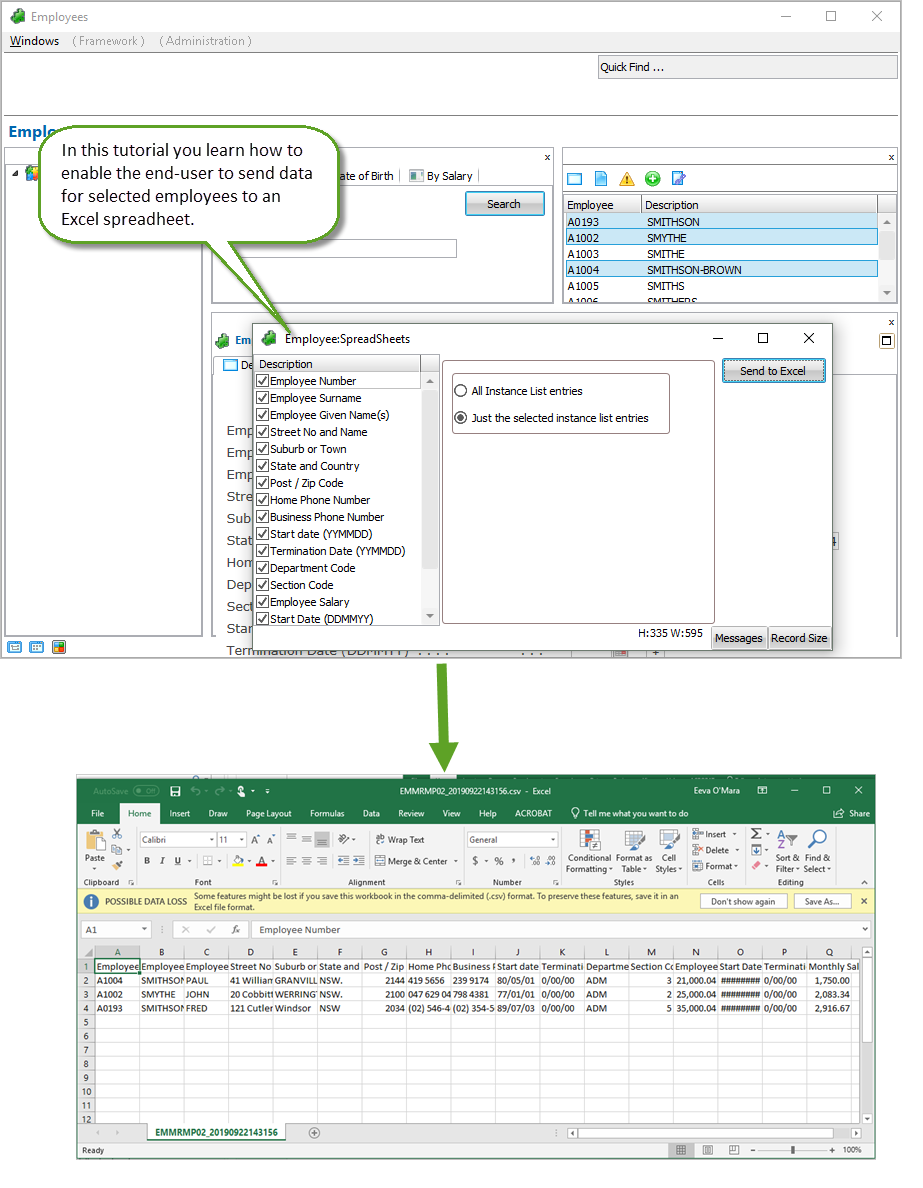
To achieve this objective, you will complete the following steps:
- RAMP-WIN013 Step 1. Creating the Command Handler
- RAMP-WIN013 Step 2. Snapping in and Testing the Command Handler
Before You Begin
In order to complete this tutorial, you must have completed the following:
- RAMP-WIN001: Creating a Basic Prototype of the Modernized Application
- RAMP-WIN002: Rapidly Modernizing Complete Application Segments
- RAMP-WIN003: Creating a Data Filter for Employees
- RAMP-WIN004: Naming and Classifying the Employee Screens
- RAMP-WIN005: Reviewing Design
- RAMP-WIN006: Snapping in a Basic Inquiry Screen
- RAMP-WIN007: Snapping in a Data Entry Function
- RAMP-WIN008: Changing Inquiry Screen to Update Mode
- RAMP-WIN009: Tracing Navigation
- RAMP-WIN010: Using Special Field Handlers
- RAMP-WIN011: Snapping in Shipped Documents Command Handler
- RAMP-WIN012: Snapping in Shipped Notes Command Handler