Objective
- To learn how to locate, update and delete entries from a list.
- To learn more about using SELECTLIST.
- To create an application that updates the total salary field when the user selects multiple records from the items listed:
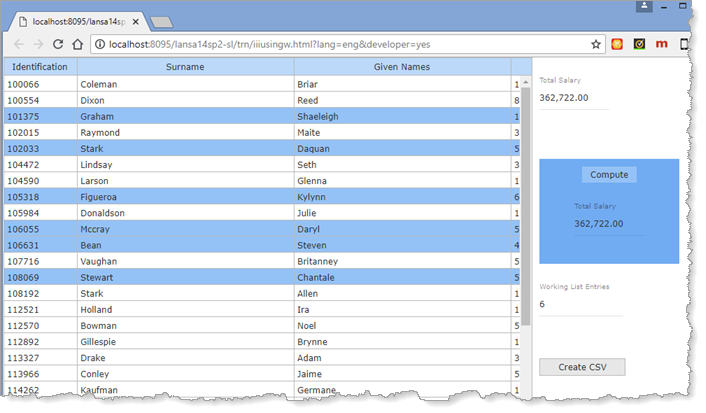
- To demonstrate how "selected items" in a list can be selected.
- To update a working list for selected items.
- To process the working list and calculate total salary.
- To use the TRANSFORM_LIST Built In Function to create a text file.
To achieve these objectives, you will complete the following:
Step 1. Select Multiple Entries
Step 2. Add Selection Logic to the Web Page
Step 3. Process Employees List
Before You Begin
Complete exercises WBF015A, WBF055A and WBF065.