Page History
...
Follow the steps below to complete the Open SSL Setup
Option 1: Use
...
an Installer Such as Shinning Light Installer
...
for a Straightforward Setup
- Go to https://slproweb.com/products/Win32OpenSSL.html

- Download the latest version (choose depending on your system) and install the application
- Win64 OpenSSL v3.x.x for 64-bit systems
- Win32 OpenSSL v3.x.x for 32-bit (less common)
...
Open the public key file in the text editor. Copy only the key without line break
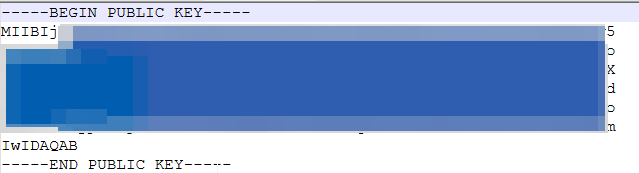
Login to Snowflake Console and choose appropriate Data Warehouse and Database
- Assign the public key to a Snowflake user
ALTER USER MY_SERVICE_USER SET RSA_PUBLIC_KEY='MIIBIjANBgk................'; - Verify the user’s public key fingerprint
Execute the following command to retrieve the user’s public key fingerprint:DESC USER USERNAME->> SELECT SUBSTR((SELECT "value" FROM $1WHERE "property" = 'RSA_PUBLIC_KEY_FP'),LEN('SHA256:') + 1) AS key;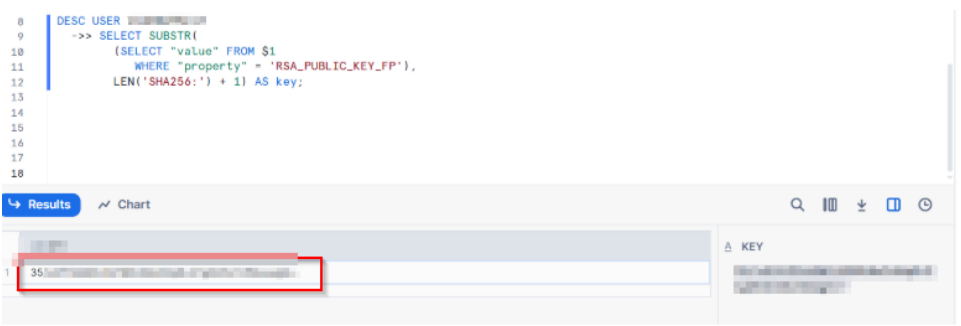
- The above output should match the fingerprint of the local public key. To obtain it, use the following
command:openssl rsa -pubin -in rsa_key.pub -outform DER | openssl dgst -sha256 -binary | openssl enc -base64
If the keys generated in both the command prompt and Snowflake console matches, Keys are successfully
generated and assigned to the account!!
ODBC Configuration
Install the latest version of the Snowflake ODBC Driver
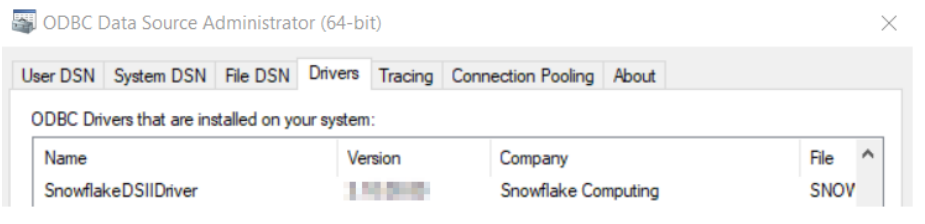
Create a DSN by adding the required details and test it.
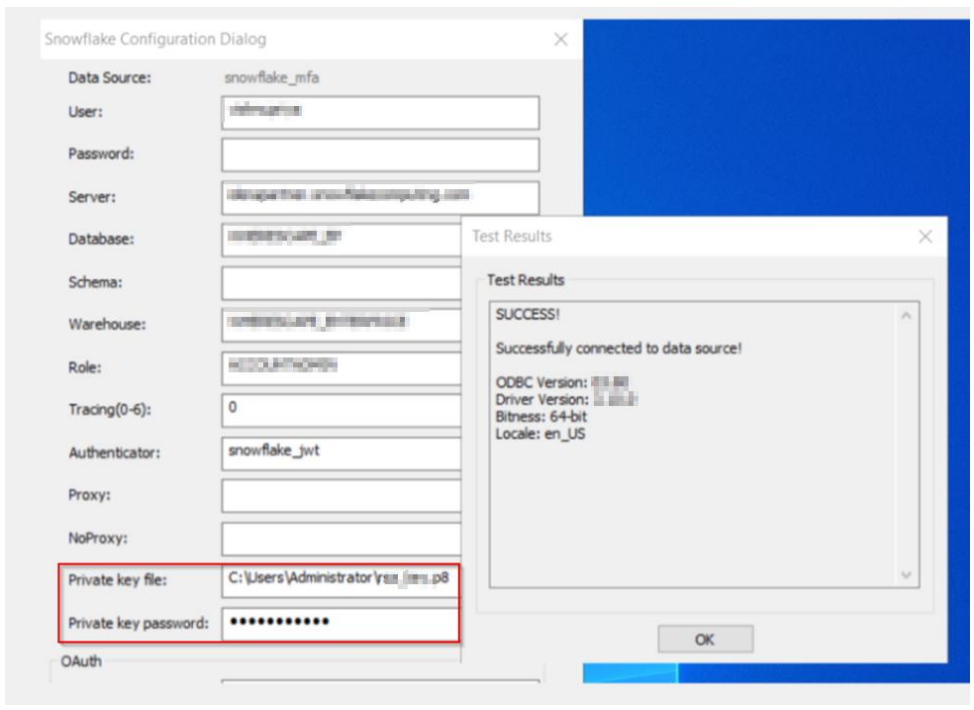
Alternatively, if you plan to continue using the existing driver, you can manually add additional fields via the Registry Editor by following these steps:
- Press Win + R, type regedit, and press Enter.
- Navigate to:
Computer\HKEY_LOCAL_MACHINE\SOFTWARE\ODBC\ODBC.INI\ - Locate and select your DSN (Data Source Name).
- Right-click in the right pane and select New > String Value.
- Enter the appropriate field name and value, ensuring they match the required configuration.
Troubleshooting Tips:
You might come across Role access in Snowflake error as below when the DSN is tested for RSA Key pair:
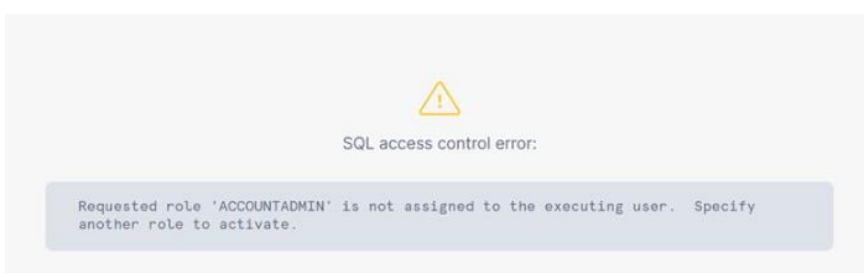
As a fix execute the below command to switch to required <MY_ROLE> .MY_ROLE is the Role assigned to the user in the Snowflake account
GRANT ROLE <MY_ROLE> TO USER <MY_SERVICE_USER>;