To open an existing query to check its definition or to change it, you can:
- select it from the list on the File menu of the last four queries you have saved,
or
- select the Open command from the File Menu or use this
 toolbar icon to open the Open Query dialog box.
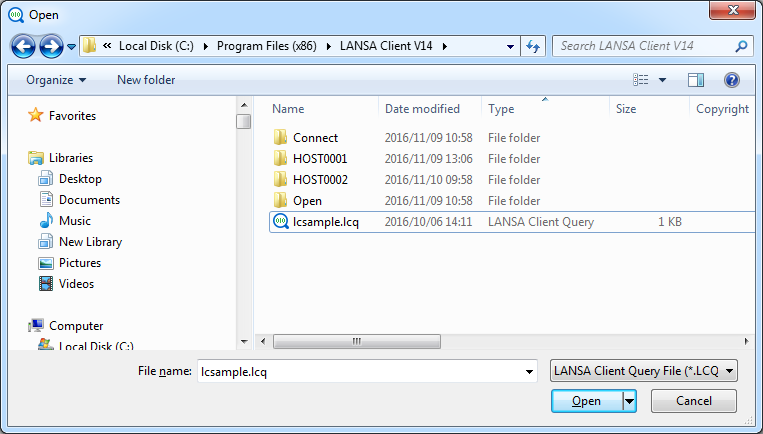
This dialog box displays a list of all the existing queries.
From the list, select the query you wish to open.
Select OK to open the Query Window for the selected query, otherwise press Cancel to escape.