In this step, you will position the current line in the editor using shortcut keys and the Go To tab.
1. Position the cursor on any DEFINE_COM statement towards the bottom of the window.
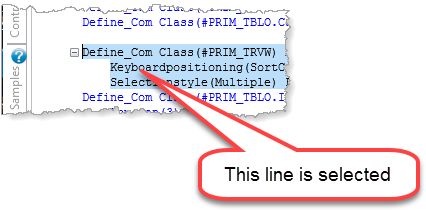
2. Press Ctrl + T to move the DEFINE_COM statement to the top of the editor window.
3. Press Ctrl + M to move the DEFINE_COM statement to the middle of the editor window.
4. Display the Go To tab and pin it in place. If necessary, open the Go To tab from the Tabs menu. Expand the Routine node:
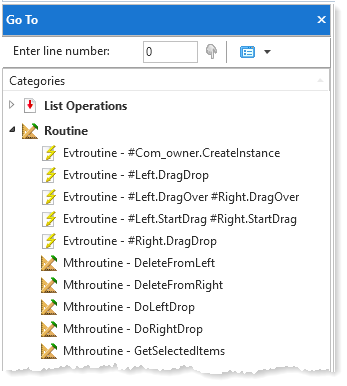
5. Double-click on the Evtroutine - #Left.DragDrop.
The editor will position at first line of this routine in the source code.
6. Press Ctrl + B to move the event routine line to the bottom of the editor window.
7. Press Ctrl + T to move it to the top of the editor window.