In this step, you will confirm the compile status of form iiiDragandDrop.
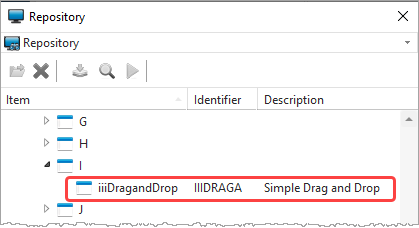
1. Using the Repository tab, locate form iiiDragandDrop. Notice that the Repository tab has several columns. Any of them may be shown or hidden by using a context menu on a column heading.
2. Right-click on any column heading to display a menu showing which columns are shown in the tab. The items on this list will depend on your configuration.
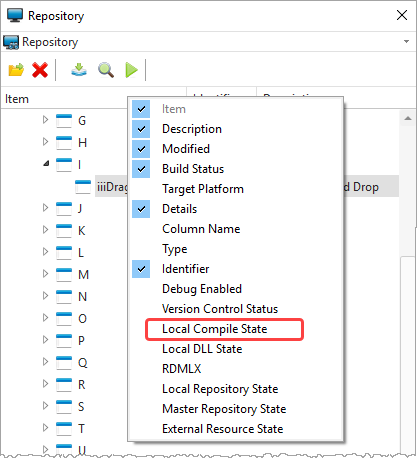
3. Make sure that the Local Compile State column is now displayed.
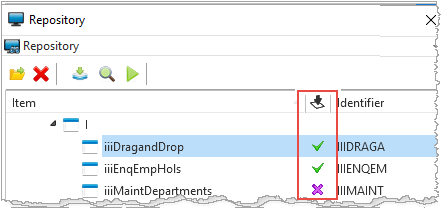
4. Check that the form iiiDragandDrop is compiled. A green tick in the Local Compile State column indicates the component is compiled. If it isn't compiled, select the form, right-click, and choose the Compile option from the context menu to submit a compile of the form.
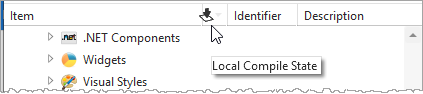
If a column only has an icon as a heading, place the cursor over the column heading to see its tooltip.
Remember that you can also rearrange and hide columns in the Repository tab. (Refer to Arranging Columns in Repository Tab for how to rearrange columns.)