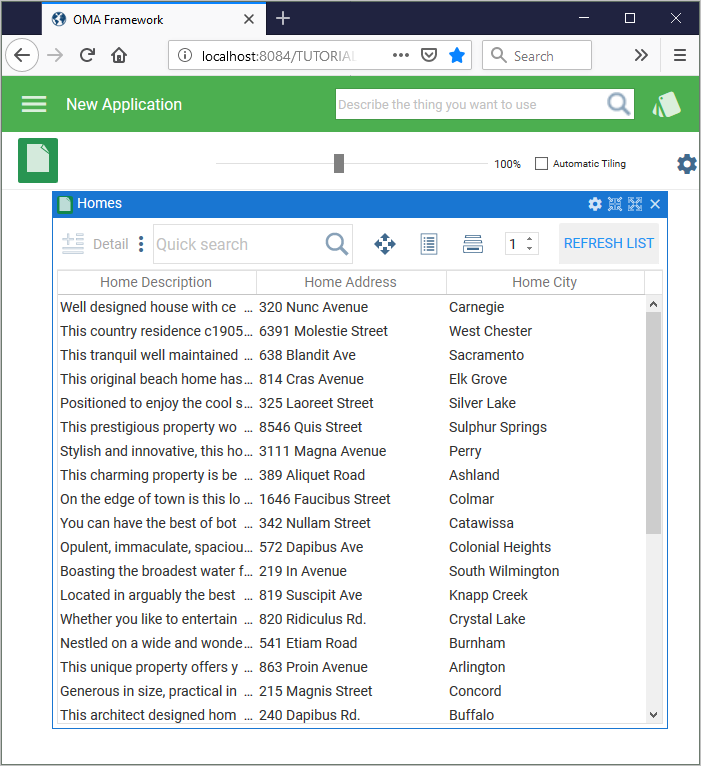
In this step you will execute the deployed application.
1. In a browser, specify the URL of your deployed Framework. For example:
http://localhost:8084/TUTORIAL/DEM/OMA_LAUNC.html?Lang=ENG&FrameworkID=OMA_FRAMEWORK&Material=Y
The URL consists of:
| Port number | 8084 | The port number displayed during the installation (see Step 7. Install the Deployment Package ). |
| Server | TUTORIAL | The server name specified in the package. See Note the Server Name. |
| Partition | DEM | The LANSA parition in which the package was created. |
| Page | OMA_LAUNC.html | The identifier of the launch page created in Create Framework Launch Page. |
| Language | ENG | The execution language. |
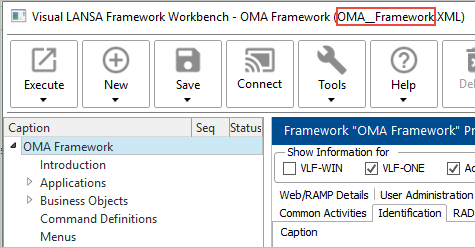
Framework XML file name | OMA_FRAMEWORK | The name of your Framework XML file (without the .XML suffix).
|
| Material | Y | This option causes a VLF-ONE application to execute in material design mode instead of the default Windows desktop mode. |
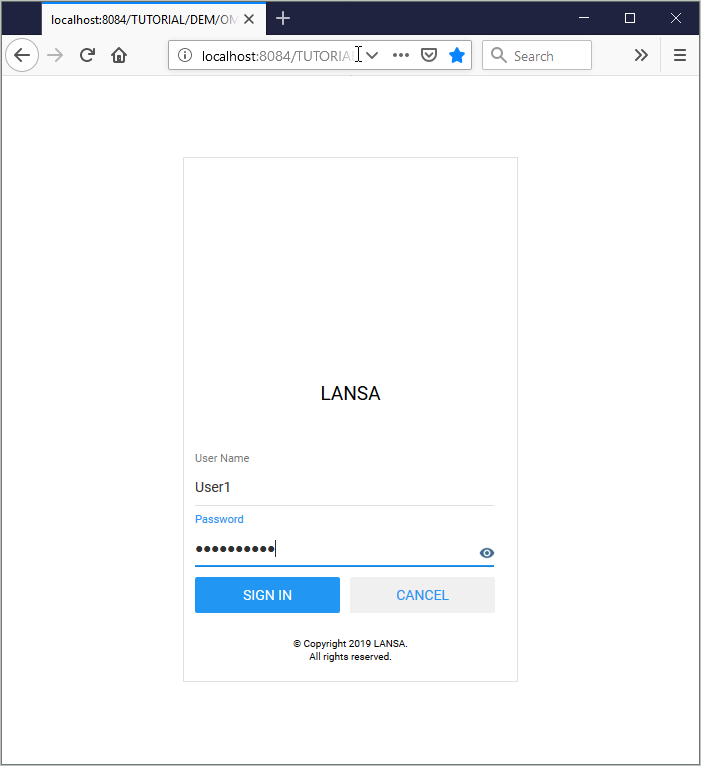
2. Sign into your Framework:
3. Use the Framework menu to navigate to your application: