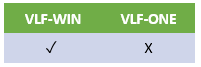
These tutorials have been created with EPC141017 version of the Visual LANSA Framework.
VLF000 - Execute Framework Application
VLF001 - Defining Your HR Application
VLF002 - Defining Your Business Objects
VLF003 - Prototyping Your Filters
VLF004 - Prototyping Your Commands
VLF005 - Validating the Prototype
VLF006WIN - Snapping in a Real Windows Filter
VLF007WIN - Snapping in a Real Windows Command Handler
VLF009WIN - Adding Instance List Columns in Windows Applications
VLF010WIN - Creating a Mini Filter
VLF011WIN - Creating a Parent Child Instance List
VLF012WIN - Controlling Navigation Using Switching and the Virtual Clipboard
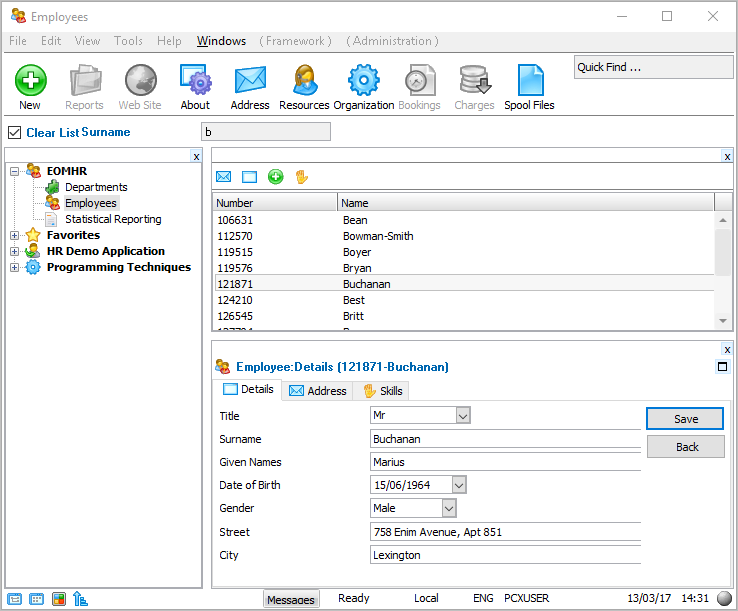
You will step through the prototyping of a small HR (Human Resources) application. The finished application prototype will appear something like this:
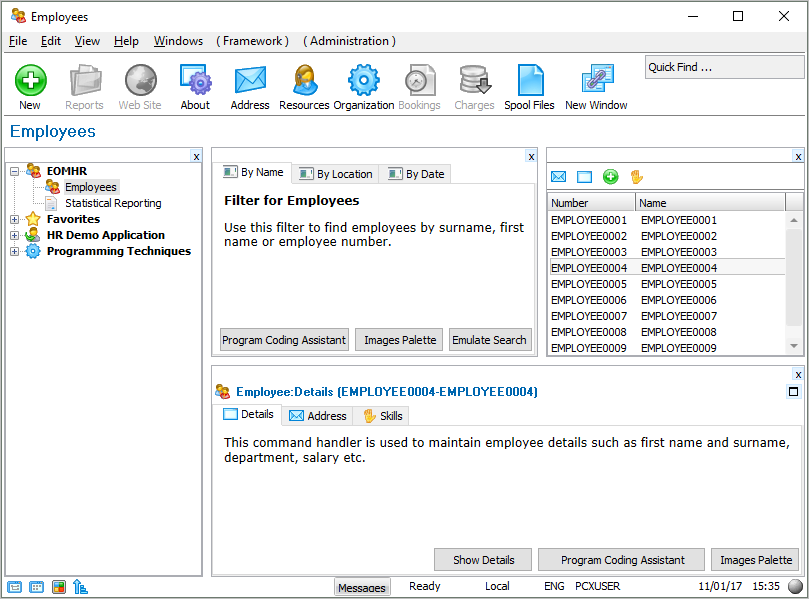
This prototype will contain:
- An application called iiiHR which contains two Business Objects: Employees and Statistical Reporting.
- Employees business object has three Filters (By Name, By Location and By Date) and command handlers for employee Details, Address and Skills. It also has a New command which allows the end-user to define a new employee.
- Statistical Reporting business object contains two reporting commands: Weekly Reports and Monthly Reports.